In your store
Playbook: Exit intent
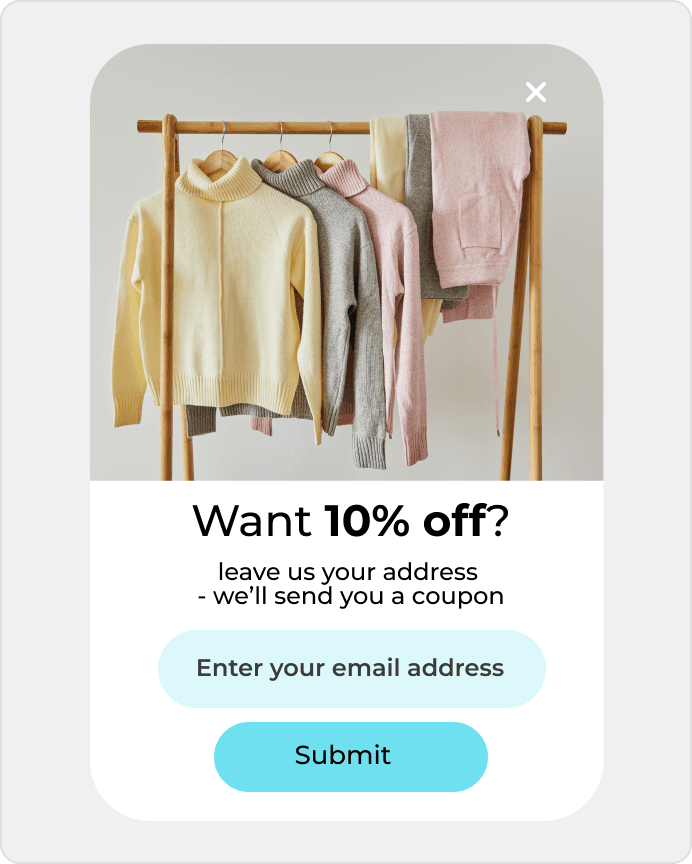
Show offers when someone is about to leave your site.
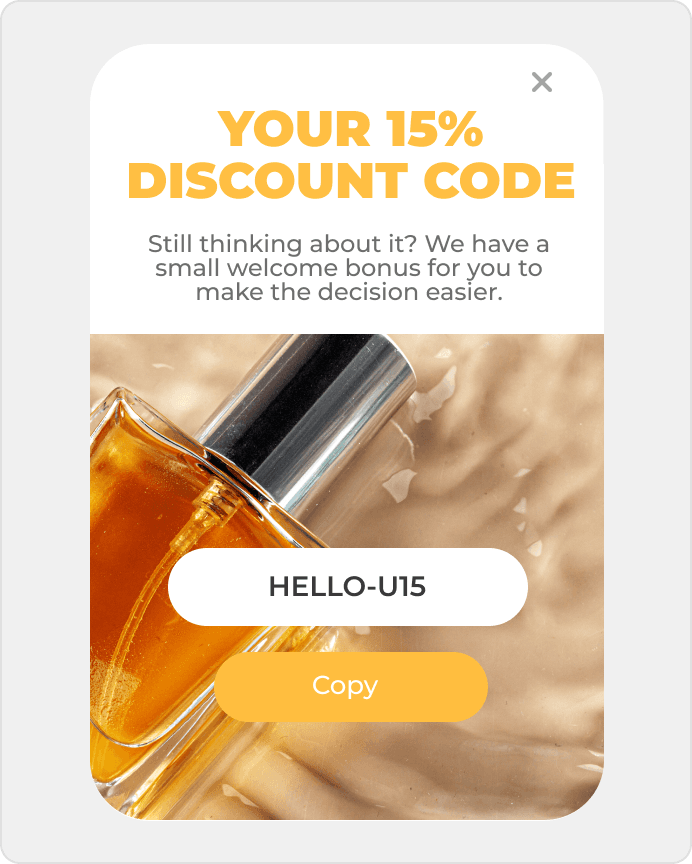
Recover abandoned carts and collect signups starting at $0.
Recover abandoned carts and collect signups starting at $0.
An offer page, docs page, or case study gets traffic, but too few people move into a real conversation about working together. DropUI helps add a stronger first step without hurting the page simplicity.
See where to start and what will show fastest whether Notion Sites helps you get more from your traffic.
On Notion Sites pages, the key question is often whether a visitor moves from reading an offer, documentation page, or case study to taking the next step. That is why Notion Sites popups and forms are most useful when they turn informational traffic into a demo, a contact step, or a sales-call action.
DropUI lets you launch onsite campaigns on entry, after time on page, on exit, or after a CTA interaction. That makes it easier to see whether a contact form, a demo popup, a sales-call CTA, or an exit prompt performs better. This matters most on high-intent pages where the visitor is already reading an offer, pricing context, docs, or a case study and needs a clearer next step.
The biggest advantage is faster testing of what actually turns a reader of your offer or documentation into someone ready to talk. Instead of rebuilding the site, you can see whether a demo, a simpler contact step, or a sales-call prompt brings more qualified conversations and makes better use of high-intent traffic.
The best start is usually one high-intent page such as an offer, docs page, or case study and one clear comparison. That gives the team a fast answer about whether a demo, a simpler contact form, or a sales-call prompt increases qualified conversations.
In practice, it is worth looking at contact volume, form conversion rate, sales-call actions, and the results of different campaign variants. That makes it easier to see whether a new message is actually improving page performance and which pages turn readers into conversations most effectively.
DropUI gives you access to more than 80 ready-to-launch scenarios. If you are starting with Notion Sites, these three are the fastest way to see what actually lifts sales, leads, or cart value.
In your store
Show offers when someone is about to leave your site.
This data helps you choose better timing, offers, and targeting for your campaign.
Campaigns can use page and behavior context to better match the timing of a demo, contact prompt, or sales-call CTA on offer, documentation, or case-study pages.
If you have doubts before connecting Notion Sites, start with these questions. They are the fastest way to understand how to begin and what to expect.
The best starting point is usually one high-intent page such as an offer, docs page, or case study and one clear comparison between a demo, a contact step, and a sales-call prompt.
Ready to launch
Connect Notion Sites with DropUI and turn product-page traffic into more signups, demos, and activations.
Getting started takes a few minutes
Last content update: May 21, 2026