In your store
Playbook: Exit intent
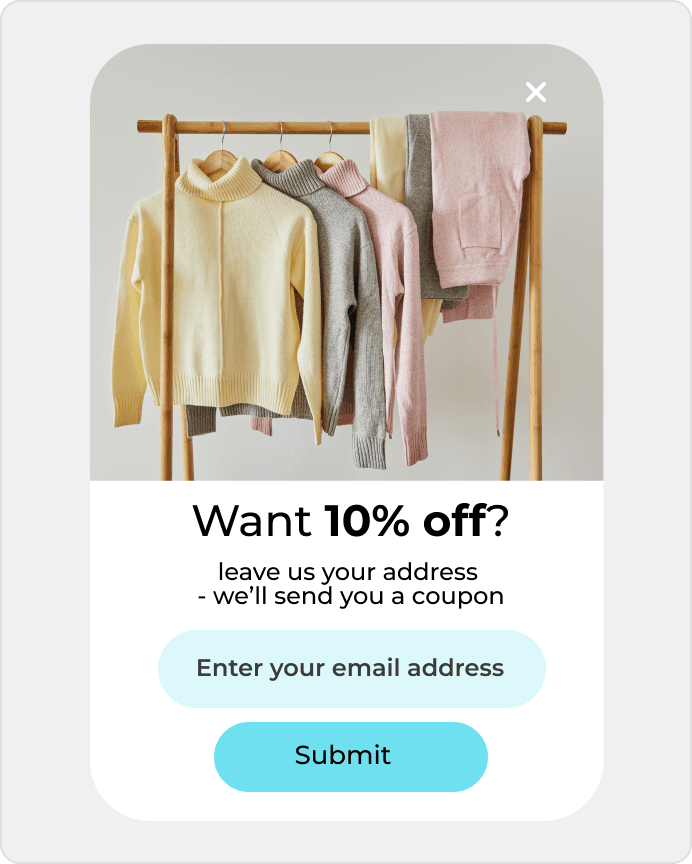
Show offers when someone is about to leave your site.
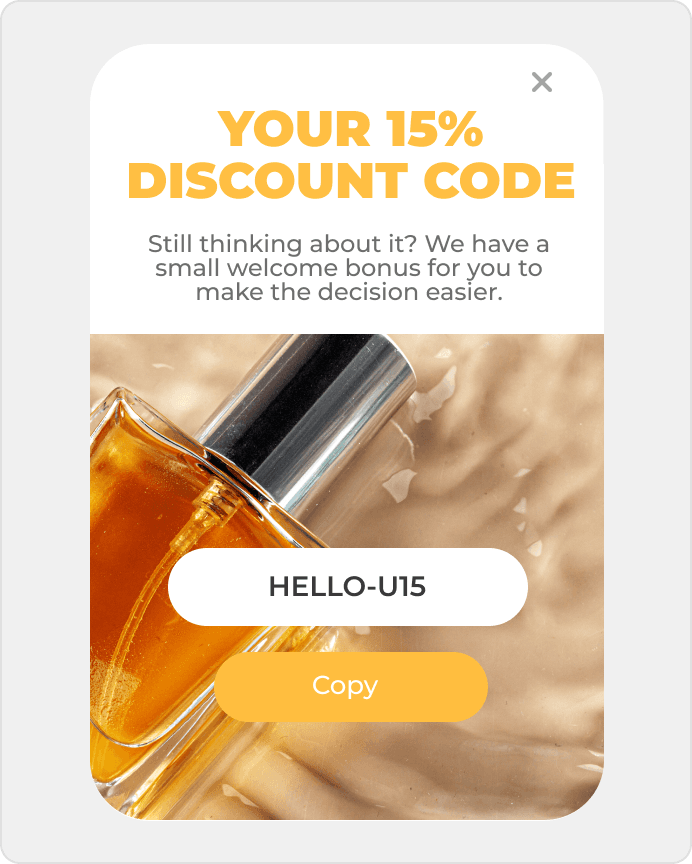
Recover abandoned carts and collect signups starting at $0.
Recover abandoned carts and collect signups starting at $0.
A content or offer page gets traffic, but too few visitors move into a real entry point to the sales process. DropUI helps improve that first step and turn more visits into meaningful contacts.
See where to start and what will show fastest whether HubSpot CMS helps you get more from your traffic.
On HubSpot CMS pages, the goal is often not adding another form for its own sake, but quickly finding which first step works best on an inbound landing page. Sometimes a newsletter signup performs better, sometimes a demo request, and sometimes a consultation CTA creates a stronger path into conversation.
DropUI lets you compare these options without changing the full campaign layout. You can launch onsite campaigns on landing entry, after time on page, on exit, or after a CTA interaction. That makes it easier to see whether visitors want to leave an email first, request a demo, or move into a simpler contact step.
The biggest benefit is simple: you can improve campaign-page performance without going back to a full landing-page rebuild. This matters most when traffic already comes from email, SEO, or inbound campaigns and the team needs a faster answer about which first step truly increases signups, demo requests, and conversations.
The best start is one clear comparison, such as a newsletter signup versus a demo request, or a consultation CTA versus a standard form. That gives the team a faster answer about whether the landing needs stronger email capture, a cleaner CTA, or a more direct request for conversation.
Exit lead magnet popups, simple signup forms, single-CTA bars, and demo request blocks are usually the strongest first tests. This works well when the team wants to improve campaign-page performance without disrupting a layout that is already live.
Signups, demo requests, consultation CTA clicks, and variant comparison matter most. DropUI helps you test whether a simpler form, a different display moment, a stronger CTA, or shorter copy performs better. That gives the team a faster answer on what to scale next on the campaign page.
DropUI gives you access to more than 80 ready-to-launch scenarios. If you are starting with HubSpot CMS, these three are the fastest way to see what actually lifts sales, leads, or cart value.
In your store
Show offers when someone is about to leave your site.
This data helps you choose better timing, offers, and targeting for your campaign.
Campaigns can use simple page and behavior context to better match the timing of a form, signup, or consultation request on an inbound campaign page.
If you have doubts before connecting HubSpot CMS, start with these questions. They are the fastest way to understand how to begin and what to expect.
The best start is one clear comparison such as a newsletter signup versus a demo request, or a consultation CTA versus a standard form. That gives the team a fast answer about what improves campaign performance.
Ready to launch
Connect HubSpot CMS with DropUI and turn content traffic into more signups and contacts without rebuilding the site.
Getting started takes a few minutes
Last content update: May 21, 2026